
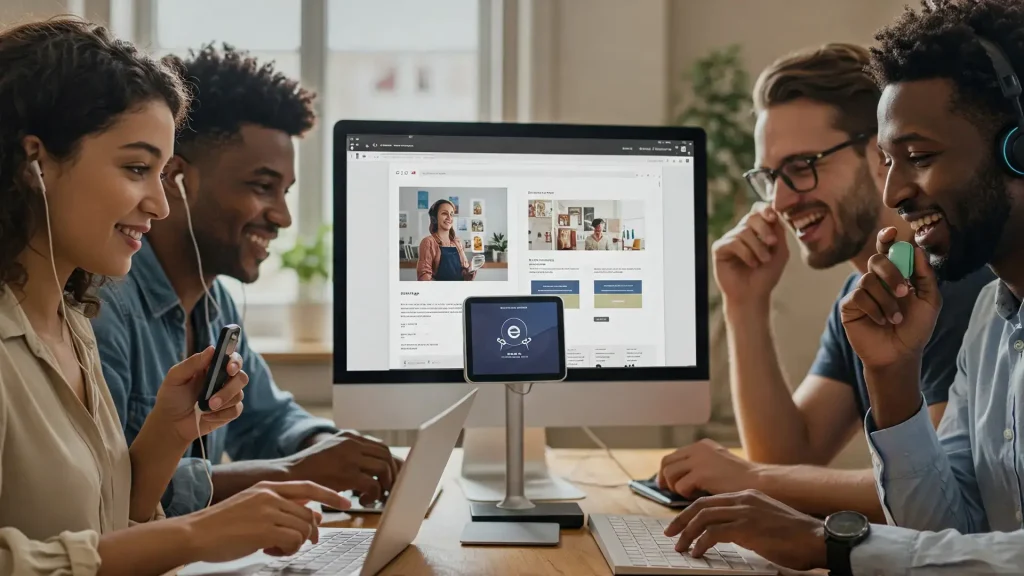
Imagine turning away customers at the door of your physical shop. You wouldn’t do it intentionally, would you? Yet, that’s precisely what an inaccessible website does. It unintentionally excludes a significant portion of the population from accessing your products, services, and information.
Website accessibility means designing and developing your website so that it can be used by everyone, regardless of their abilities or disabilities. This includes people with visual impairments, hearing impairments, motor impairments, cognitive impairments, and more. Think of accessibility as making your website user-friendly for all.
But is website accessibility really that important? Absolutely. Not only is it the right thing to do, but it’s also good for your business.
1. Why Website Accessibility Matters:
There are compelling reasons to prioritise website accessibility:
- Reach a Wider Audience: A significant portion of the population has a disability that affects their ability to use the web. By making your website accessible, you can reach a much larger audience.
- Legal Compliance: In many countries, including the UK, there are legal requirements for website accessibility. Failing to comply with these regulations can result in fines and legal action.
- Improve User Experience for Everyone: Many accessibility best practices (like clear navigation and well-structured content) benefit all users, not just those with disabilities.
- Boost Your SEO: Search engines favour accessible websites, as they are easier to crawl and index.
- Enhance Your Brand Reputation: Demonstrating a commitment to accessibility shows that you value inclusivity and social responsibility, which can enhance your brand reputation and attract customers who care about these issues.
2. Key Principles of Website Accessibility:
Here are some essential principles to keep in mind when designing and developing your website:
- Provide Alternative Text for Images (Alt Text): Alt text is a brief description of an image that is read aloud by screen readers for users with visual impairments. It should accurately describe the content and purpose of the image.
- How to do it: Most content management systems (CMS) allow you to add alt text to images easily. Be descriptive and avoid generic phrases like “image of…”
- Use Proper Heading Structure (H1, H2, H3, etc.): Headings provide structure and organisation to your content, making it easier for users to navigate and understand. They also help screen reader users to quickly scan the page and find the information they’re looking for.
- How to do it: Use headings in a logical order (H1 for the main title, H2 for major sections, H3 for subsections, etc.). Avoid using headings for purely visual styling.
- Ensure Keyboard Navigation: Many users with motor impairments rely on keyboard navigation to access websites. Make sure that all interactive elements on your website (such as links, buttons, and form fields) can be accessed and activated using the keyboard alone.
- How to do it: Test your website using only the keyboard. Can you tab through all the interactive elements in a logical order?
- Provide Sufficient Colour Contrast: Ensure that there is sufficient colour contrast between text and its background. This makes it easier for users with low vision or colour blindness to read the text.
- How to do it: Use a colour contrast checker tool to verify that your website meets the minimum contrast ratios recommended by accessibility guidelines.
3. Resources for Website Accessibility:
There are many resources available to help you learn more about website accessibility:
- Web Content Accessibility Guidelines (WCAG): The internationally recognised standard for website accessibility.
- Accessibility Auditing Tools: Many tools can help you identify accessibility issues on your website.
Make Your Website Inclusive!
Website accessibility is not just a nice-to-have; it’s a necessity. By making your website accessible, you can reach a wider audience, comply with legal requirements, improve user experience for everyone, boost your SEO, and enhance your brand reputation.
Make a start today
- Add alternative text to images
- Use proper heading structure
- Ensure keyboard navigation
- Provide sufficient colour contrast
Ready to make your website inclusive and accessible to all? Get in touch with us today for a free accessibility consultation! We’ll analyse your website, identify accessibility issues, and develop a customised accessibility strategy to help you meet your goals.